
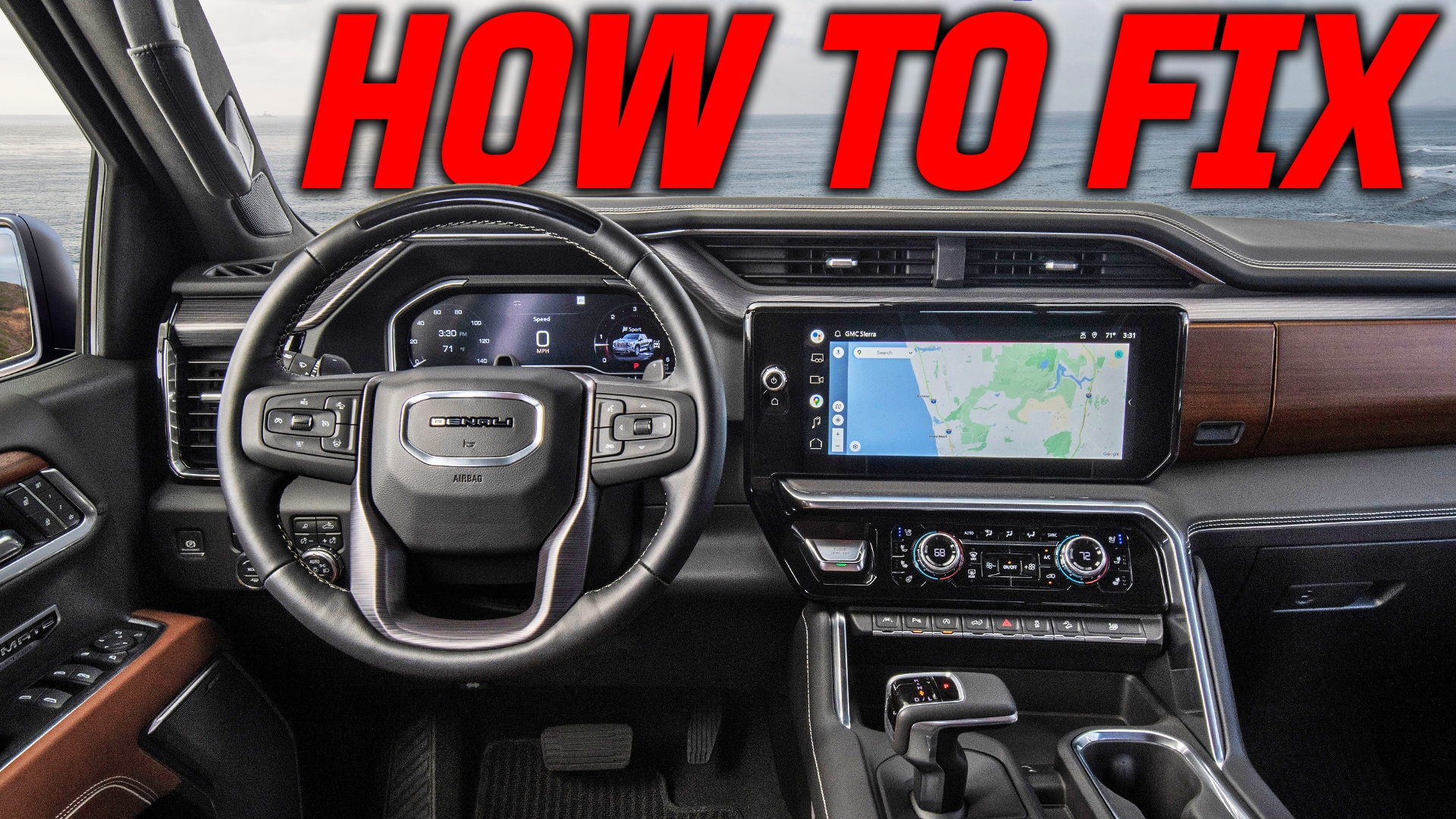
If you have ever hopped into your truck, started it up, and realized the radio is silent, you know how frustrating that can be. It is not just the music either; when these systems glitch out, you often lose your turn signal clicking sounds, door chimes, and even your hands-free calling.
I actually ran into this exact situation just last week with a customer who was ready to sign for a 2025 Denali 1500. During the final test drive, the sound just quit. No radio, no signals, nothing. It can be a deal-breaker for a buyer, and I honestly could not blame him. Instead of sending it straight to a GM dealer to sit for a week, I used a couple of reset tricks I have learned over the years. These steps work for most modern GMC and Chevy trucks with the newer infotainment screens.
Try The Steering Wheel Reset First
This is the quickest way to get the system to reboot without diving deep into the menus. It is basically the "ctrl-alt-delete" for your truck. If your screen is frozen or the sound is gone, this is your first line of defense.
To do this, find the phone hangup or decline button on your steering wheel. You want to press and hold that button down. Keep holding it for about 15 to 30 seconds. You are waiting for the main infotainment screen to go completely black. Once it hits that black screen, let go of the button and let the system reboot.
I used this exact method while I was towing a camper back from South Carolina about a year ago. I pulled out of a gas station and suddenly had no audio. I did this reset while driving down the highway, and within ten minutes, my Bluetooth and radio were back in action.
Using Safe Mode To Clear Glitches
If the steering wheel reset does not do the trick, the next step is to head into the actual system settings. GMC and Chevy trucks have a restart option specifically designed to clear out buggy software.
Navigating The Menu
-
Tap on the settings icon on your home screen.
-
Scroll down to the system tab.
-
Look for reset options at the bottom of the list.
-
Select restart in safe mode.
The Proper Exit Procedure
When you hit restart, the system will shut down and reboot with limited features. The key here is how you exit safe mode to get your sound back. According to the system prompts, and what I have found works best, you need to:
-
Turn the vehicle off completely.
-
Open the driver side door.
-
Close the door and wait at least one full minute.
-
Restart the truck.
Sometimes it takes a few tries. With the customer I had on Friday, it actually stayed in safe mode the first time we cycled the power. I almost gave up and told him we would take it to the dealer, but after letting it sit for another minute with the door open, we fired it back up and the sound was perfect.
The Last Resort: Erasing Infotainment Data
If you are still staring at a silent cabin, you might have to go for the full factory reset. This is located in the same reset options menu where you found safe mode. Look for the option that says erase infotainment data.
Just a heads up: this is going to wipe your saved radio stations, your paired phones, and any personal profiles you have set up. It is a bit of a pain to set back up, but it is a lot better than driving a $70,000 truck in total silence. This process can take a good 5 to 10 minutes to finish, so do not panic if the screen stays on a loading loop for a while. Once it comes back on, your audio drivers should be refreshed and working.
Why Is This Happening?
These trucks are basically rolling computers now. Sometimes a background over-the-air update doesn't install quite right, or if the battery voltage gets a little low during a start-up, the audio module doesn't "wake up" properly.
Whether you are here in Ephrata or anywhere else in Lancaster County, these quick fixes can save you a lot of time and potentially a big bill at a service center. Most of the time, the hardware is perfectly fine; the software just needs a little nudge to start behaving again.
If you have tried all three of these and you are still having trouble, feel free to stop by and see us on Oregon Pike. We deal with these trucks every day and are always happy to help a neighbor out.
Watch The Full Walkthrough
For a visual guide on exactly where these buttons are and what the screen looks like during the reset, check out my video below:
https://www.youtube.com/watch?v=KhcxN_RIEd0